Viaggiare Sicuri
The official travel-safety app of the Italian Ministry of Foreign Affairs (Farnesina): 500K+ downloads, 220 country factsheets, geolocated safety alerts for Italians abroad.
In 30 seconds
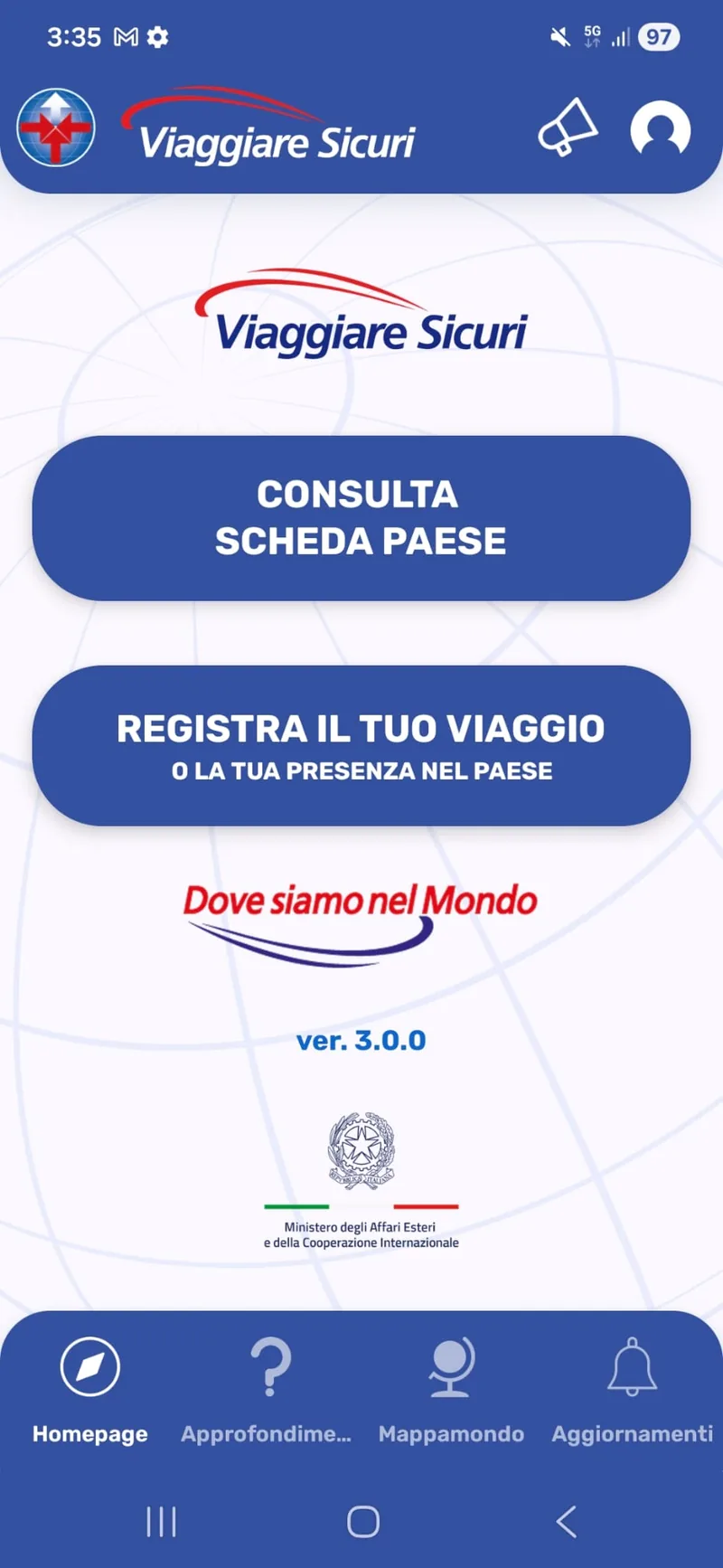
At Noovle (TIM group) I developed the Android app of Viaggiare Sicuri, the travel-safety service of the Farnesina Crisis Unit: 220 country factsheets, trip registration, geolocated alerts, and an emergency safety check. The two hardest problems: meeting the strict accessibility requirements of the Italian public sector, and tracking travellers in the background without draining their battery.
Context and problem
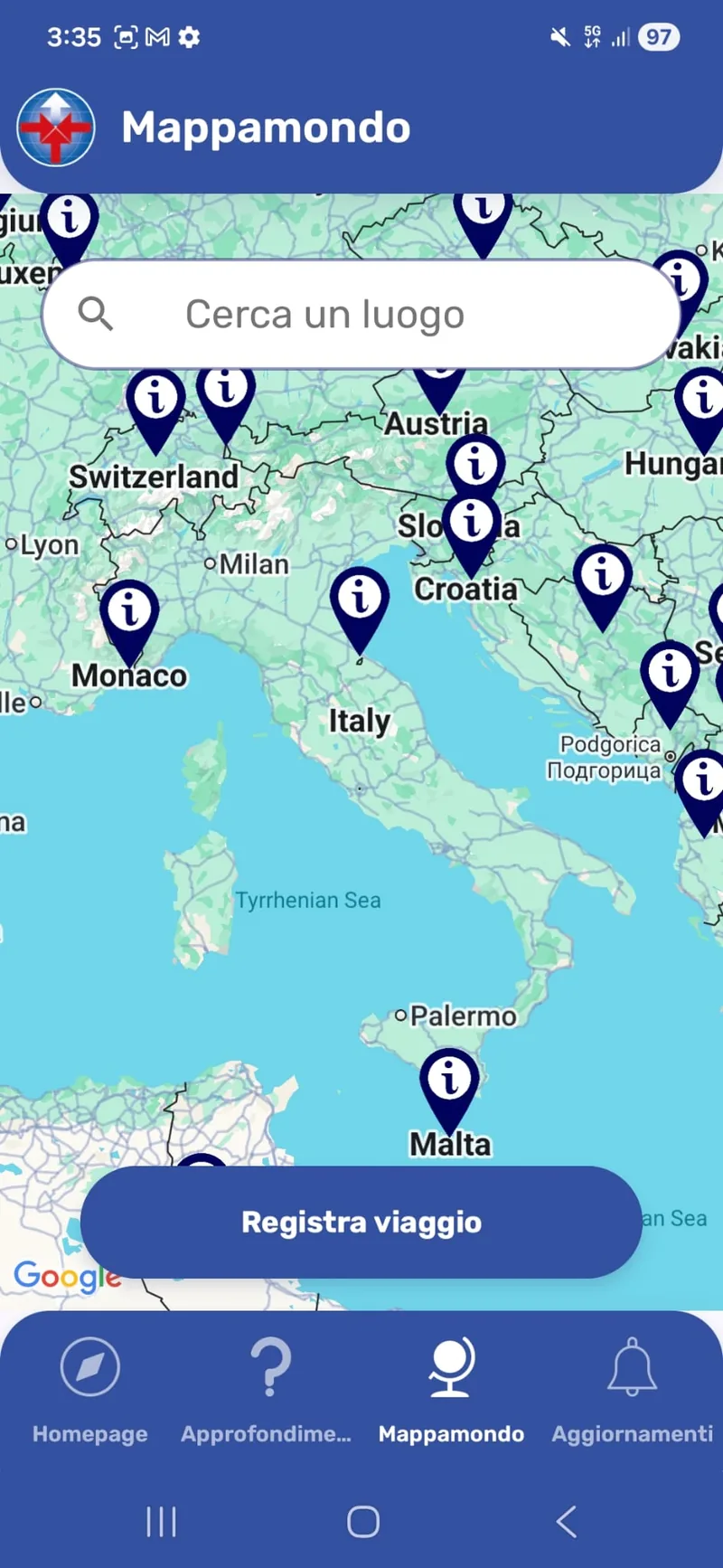
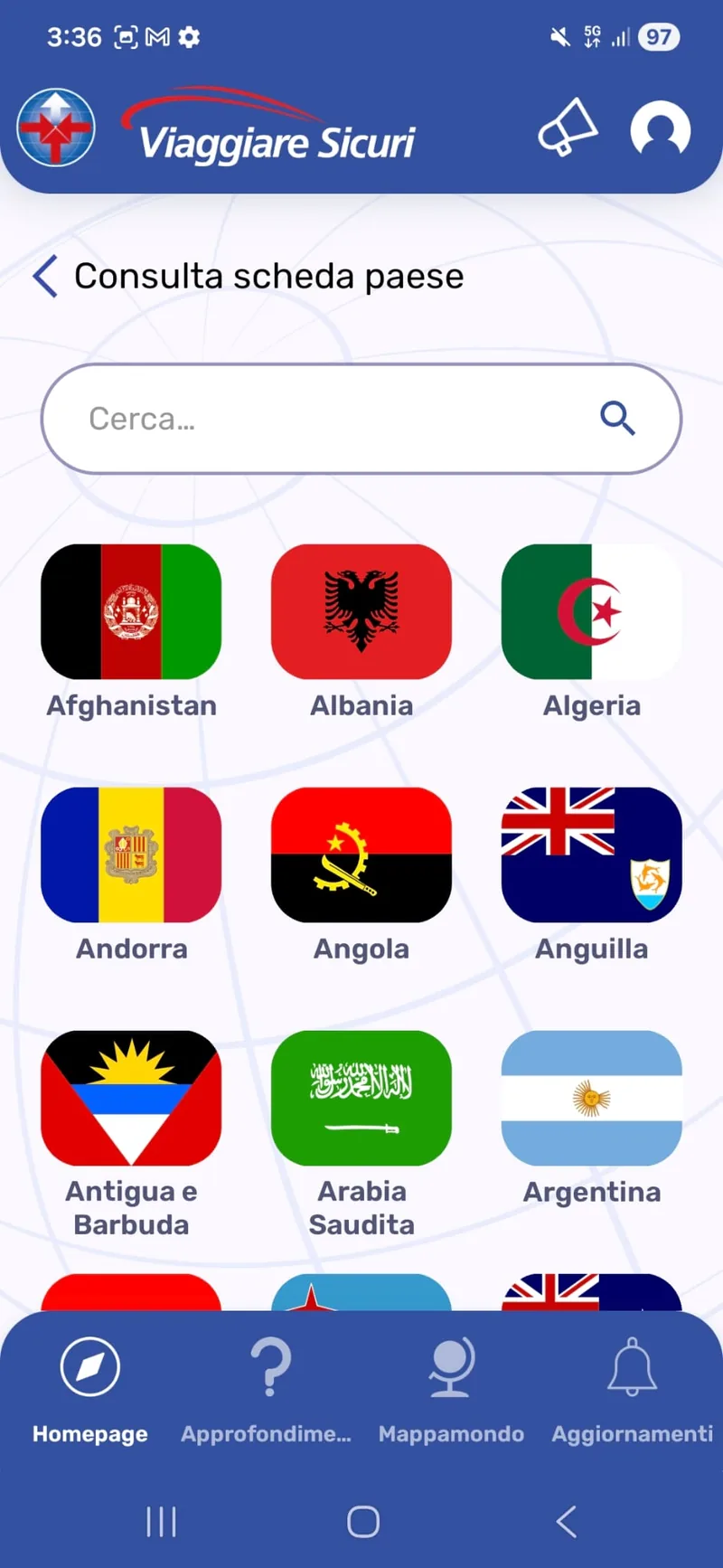
Viaggiare Sicuri integrates the services of ViaggiareSicuri.it and DoveSiamoNelMondo.it: 220 country factsheets curated by the Crisis Unit together with Italian embassies and consulates, trip registration, proximity alerts in areas of caution, and a safety check to confirm you are safe after serious events such as terrorism, unrest, or natural disasters.
An app like this has two non-negotiable constraints. It must be usable by everyone: for the Italian public administration, accessibility is a legal requirement, not a preference. And its core feature, letting the Farnesina know where Italian citizens are during an emergency, requires background geolocation, which handled naively destroys battery life, and with it the app itself: people uninstall what drains their phone.
My role
I was the Android developer of the project at Noovle S.p.A. (TIM group, Google Cloud partner), dedicated to this app full time: native development in Kotlin (MVVM, Room, Coroutines, RxJava, Koin) and integration with Google Cloud Platform, Firebase, and App Engine.
Technical decisions
Accessibility from the first sketch, not as a retrofit
Public-sector requirements ruled every screen, so accessibility entered the process where it costs least: at design time. I worked side by side with the designer from the ideation of each screen and feature, flagging what would not pass and proposing compliant alternatives, and I studied the regulations in depth, a topic the industry often leaves aside. In the app this became full TalkBack support, dynamic font sizing, and dark mode.
Background location that respects the battery
Continuous GPS tracking would have made the app unusable on the road. I designed a dedicated algorithm to keep GPS usage to a minimum: the last known position is cached and reused whenever possible, the GPS is woken only when actually needed given the last fix, and the update rate adapts to the position just obtained. Tracking stays reliable for the Crisis Unit while staying light on the phone.
Results
- 500K+ downloads on Google Play
- 220 country factsheets served in the app
- Full compliance with the accessibility requirements of the Italian public administration (TalkBack, dynamic font sizing, dark mode) and background tracking with battery consumption compatible with everyday use while traveling. The app has been promoted by institutional campaigns of the Ministry.
What I learned
Accessibility is a competence, not a checklist: studying the rules and designing with them from day one costs far less than retrofitting them later. It has stayed with me in every project since, consumer apps included.
On mobile, the battery is part of the user experience: however important the mission, an app that drains the phone gets uninstalled. Adapting the behavior to the context beats aggressive defaults.